
What players say
Stellar Coloring Workshop delivers exactly what it promises: a calm, accessible coloring experience. The space-themed images are charming, and the simple click-to-fill controls work perfectly on any device. The absence of timers and scores removes all stress, making it ideal for young children or anyone needing a creative break. While it lacks advanced features like saving or undo, its straightforward design is a strength, not a weakness. A solid choice for family-friendly, relaxing digital art.
About this game
Creative Canvas in the Cosmos
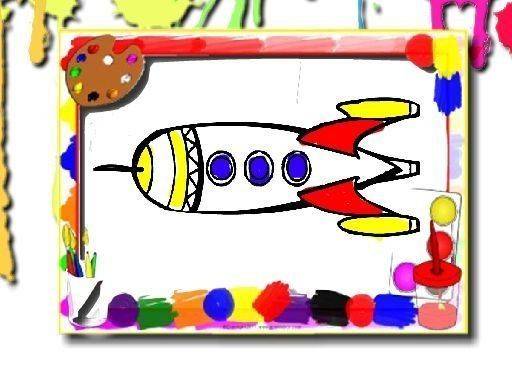
Stellar Coloring Workshop offers a peaceful digital space where players can bring space scenes to life using a simple brush and color palette. The game presents a selection of outlines featuring rockets, planets, and stars, each waiting for a personal touch. There are no time limits or scoring systems, allowing players to focus entirely on the joy of coloring. This makes it an ideal activity for young children just learning to use a mouse or touchscreen, as well as for adults seeking a calm, meditative break.
Simple Tools, Endless Possibilities
The core interaction revolves around a straightforward brush tool paired with a diverse color palette. Players select a color and then click or tap on the area they wish to fill. The chosen hue instantly applies, and the process can be repeated as often as desired. This simplicity means that even very young users can create vibrant artwork without frustration. The interface is clean and intuitive, with large buttons and clear icons that require no reading skills to navigate.
Artistic Expression Without Pressure
Because there are no timers, scores, or levels, every session is a low-stress experience. Players can experiment with color combinations, try different approaches to the same image, or simply enjoy the repetitive motion of filling shapes. This design philosophy encourages creative exploration and helps build confidence in artistic abilities. The game also supports the development of fine motor skills and color recognition in a natural, enjoyable way.
Accessible Anywhere, Anytime
Stellar Coloring Workshop runs entirely in a web browser, meaning no downloads or installations are required. It works seamlessly on computers, tablets, and smartphones, so the creative fun can continue at home, in the car, or during a break at school. The game is completely free to use, with no hidden costs or in-app purchases. This broad accessibility ensures that anyone with an internet connection can enjoy a moment of artistic calm.




Player comments
Sign in to comment
You must be logged in before posting a review or rating.
No account? Create one
No comments yet. Be the first to comment!